Invoice management software with AI: how it works and which to choose
AI invoice management software: create invoices or process received ones? Generative AI, OCR, e-invoicing compliance — the guide to choose.
In short
- •« AI invoice management » covers two jobs: creating your client invoices, or processing supplier invoices you receive.
- •To create, generative AI turns a sentence (typed or spoken) into a complete invoice. To process, OCR reads and enters received invoices.
- •Good software doesn't let AI decide alone: numbering, mandatory mentions and structured format must be controlled by the software.
- •Robi AI is a creation tool: invoice dictated in 30 seconds, validated and generated as Factur-X. Free for 4 invoices or quotes a month.
Two very different uses behind the same words
« AI invoice management software » covers two families of tools:
First question: do you want to invoice faster, or process incoming invoices faster?
Creating invoices with generative AI
Generative AI — the technology behind ChatGPT — understands and produces language. Type or say « £1,200 invoice for Studio Belmont, logo design, due in 30 days » and the tool works out the client, service, amount, tax and due date. That is what an AI invoice is. See our guide on creating an invoice with AI.
Processing received invoices with OCR
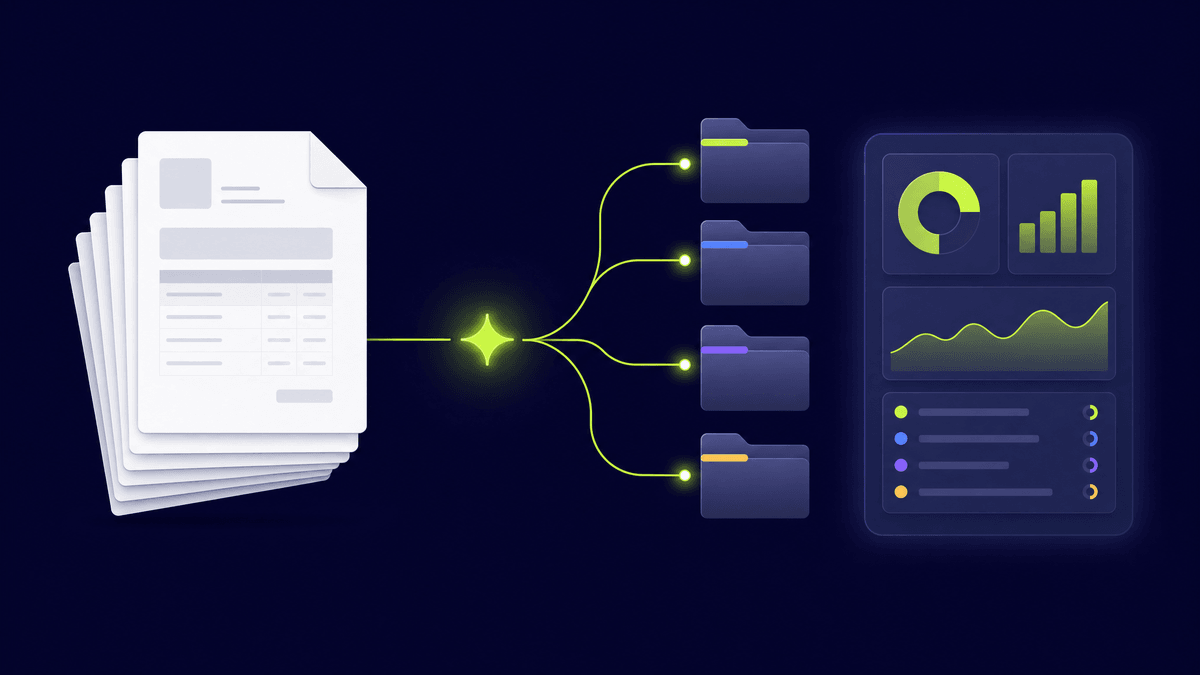
The other family relies mainly on OCR plus AI: the software reads a supplier invoice, recognises amount, date and supplier, and pre-fills the accounts. Useful for high volumes — mostly SMEs, larger companies and accounting firms.
The trap: letting AI decide everything
Generative AI can make mistakes. On an invoice that's not acceptable. Serious software splits the roles: the AI understands your request, the software controls what is regulated (sequential numbering, mandatory mentions, tax, format), and you review before sending.
How to choose
Robi AI: AI to create, software to guarantee
Robi AI is an AI invoice creation tool. You dictate or type the job, and Robi generates a Factur-X invoice (EN 16931 XML inside a PDF/A-3), checking mandatory mentions before export, with software-controlled sequential numbering. Robi is not an OCR tool for supplier invoices, nor a registered e-invoicing platform. Free for 4 invoices or quotes a month, then local pricing in 16 countries.
Conclusion
If you receive lots of invoices, look for OCR and accounting automation. If you issue invoices and want to spend less time on them, look for generative AI that keeps compliance under control — that's what Robi does.
Frequently asked questions
What is AI invoice management software?+
Software that uses AI either to create your invoices from a typed or spoken sentence (generative AI), or to read and enter invoices you receive (OCR). They are two different uses: identify yours first.
Can generative AI make mistakes on an invoice?+
Yes, which is why good software doesn't hand it what is regulated. With Robi, the AI understands the request, but sequential numbering, mandatory mentions and the structured format are controlled by the software, and you review before sending.
Does Robi process received supplier invoices?+
No. Robi is a tool for creating invoices and quotes. To extract data from supplier invoices automatically, you need an OCR or pre-accounting tool.
Put these tips into practice
With Robi AI, automate your invoicing and save 10 hours per month.
Get Started Free