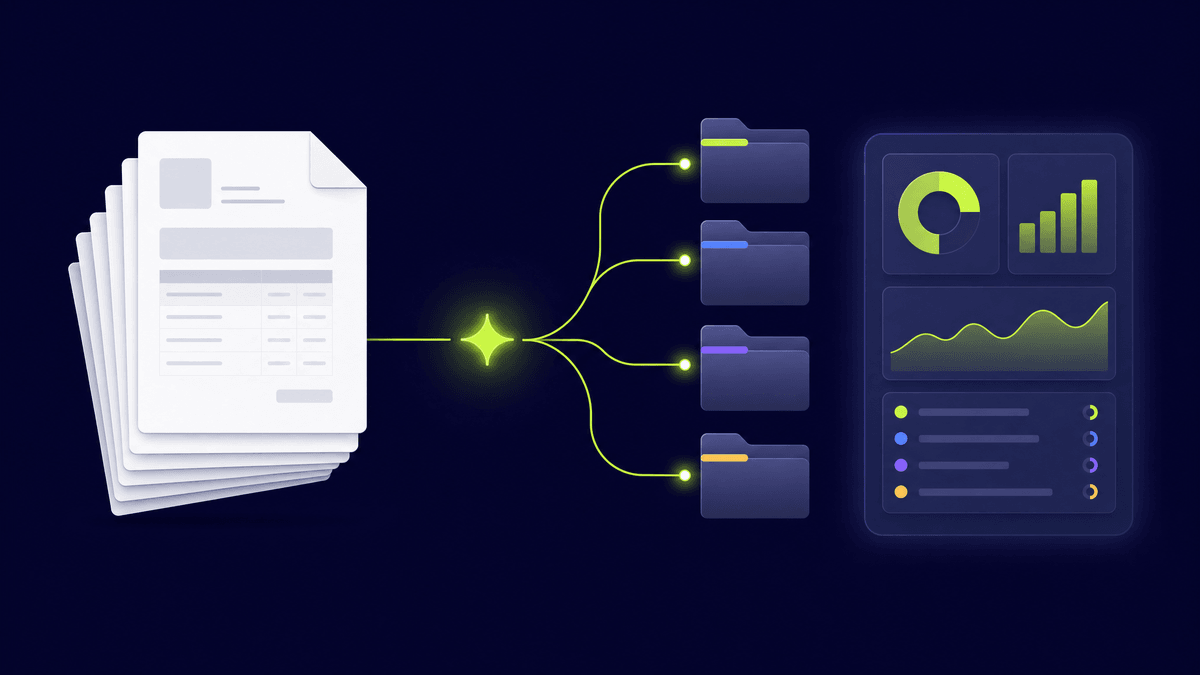
Invoice management software with AI: how it works and which to choose
AI invoice management software: create invoices or process received ones? Generative AI, OCR, e-invoicing compliance — the guide to choose.
In short
- •« With AI », « generative AI » or « gen AI »: the same question, but two jobs — creating your client invoices, or processing the supplier invoices you receive.
- •To create, generative AI turns a typed or spoken sentence into an invoice. To process, OCR reads and enters received invoices.
- •Good software doesn't let the AI decide alone: numbering, mandatory information and the Factur-X format stay under the software's control.
- •Robi AI is a creation tool: dictated invoice, checked then generated as Factur-X. No OCR, not an approved platform. Free for 4 invoices or quotes a month.
« With AI », « generative AI », « artificial intelligence », « gen AI »: one question
Whether you search for « invoice management software with AI », « with generative AI » or « with gen AI », you're asking the same thing: which tool can take part of the invoicing work off my hands without putting me at risk?
The words don't mean quite the same thing, though:
So before comparing anything, ask yourself: do you want to invoice faster, or process the invoices you receive faster?
Two families of software with almost nothing in common
| Creating invoices with AI | Processing received invoices with AI | |
|---|---|---|
| Who it's for | Freelancers, tradespeople, small businesses that issue invoices | Finance teams, SMEs, accounting firms that receive many invoices |
| What the AI does | Understands your request (typed or spoken) and prepares the quote or invoice | Reads the PDF or photo, extracts supplier, amounts, dates |
| Main technology | Generative AI | OCR + machine learning |
| What's left to you | Review and send | Approve the suggested entry |
| Example | Robi AI | Pre-accounting tools |
This guide focuses on the first family, the one that matters to independents. If your problem is a pile of supplier invoices, you need an OCR or pre-accounting tool, not an invoice generator.
What generative AI does well… and what it must never decide
Generative AI is excellent at one thing in invoicing: going from a sentence to a document. Say « Invoice Studio Belmont for a logo and brand guidelines, due in 30 days », and the tool works out the client, the lines, the tax and the due date. See how to create an invoice with AI and the voice version in voice invoicing.
But generative AI can make mistakes or make things up. On an invoice that's unacceptable: a skipped number or a missing mention and the invoice is no longer compliant. Serious software splits the roles:
The question to ask any vendor: « What does the software control, and what is left to the AI? » If they can't answer, move on.
Comparison table: five ways to handle your invoices
An honest comparison. None is « the best » in absolute terms: it depends on your volume and what you want to delegate.
| Approach | Creates your invoices | Reads received invoices | Factur-X (EN 16931) | Numbering and mentions controlled | Who it's for |
|---|---|---|---|---|---|
| Spreadsheet or Word template | Yes, by hand | No | No | No, you check everything | A few invoices a year |
| General AI assistant (ChatGPT-style) | It writes text, not a managed invoice | It can summarise a document | No | No | Drafts, never the final invoice |
| Classic invoicing software | Yes, via forms | Rarely | Depends on the vendor | Yes | People who like filling in fields |
| Invoicing software with generative AI | Yes, from a sentence or your voice | Usually not | Depends on the vendor: check | Yes, if the software keeps control | Independents who invoice often |
| OCR / pre-accounting tool | No | Yes | It receives structured invoices | On the accounting side | SMEs and firms receiving many invoices |
Two things to watch. « Factur-X » doesn't mean « PDF »: a real Factur-X embeds an EN 16931 XML file inside a PDF/A-3, explained in what is Factur-X?. And none of these tools is necessarily an approved e-invoicing platform: in France, official transmission goes through a platform approved by the tax authority, which can be separate from your invoicing software.
If you invoice in France: the e-invoicing reform
Since 1 September 2026, every VAT-registered business in France must be able to receive e-invoices. Issuing them becomes mandatory for small businesses and the self-employed on 1 September 2027. Invoicing software, AI or not, must therefore produce a structured format such as Factur-X. To check a file, see how to check a Factur-X invoice is valid.
7 questions to ask before you choose
Robi AI: what it does, what it doesn't
Robi AI is software for creating quotes and invoices with generative AI. You speak or type the job, the AI understands it, and Robi produces a Factur-X invoice (EN 16931 XML embedded in a PDF/A-3) after checking the mandatory information. Numbering stays sequential and is handled by the software, not the AI. It sends the invoice with a payment link and chases late payers for you.
What it doesn't do: Robi isn't an OCR tool for supplier invoices, and it isn't an approved e-invoicing platform. It creates your compliant invoice; official transmission goes through the platform of your choice. You can start free with 4 invoices or quotes a month; plans in your currency are on the pricing page.
In short
« AI invoice management software » can mean two things. If you receive lots of invoices, look for OCR and accounting automation. If you issue invoices and want to spend less time on them, look for a generative AI tool that leaves compliance to the software and outputs Factur-X. That's exactly what Robi does: try it free at go.robi-app.com.
Frequently asked questions
What is AI invoice management software?+
Software that uses AI either to create your invoices from a typed or spoken sentence (generative AI), or to read and enter invoices you receive (OCR). They are two different uses: identify yours first.
What's the difference between AI and generative AI invoicing software?+
« AI » is the broad term: it also covers the OCR that reads received invoices. « Generative AI » means models that produce text, like ChatGPT: that's what turns a sentence into an invoice. To create invoices, generative AI is what matters.
Can ChatGPT make my invoices?+
It can draft text, but it can't manage an invoice: it guarantees neither sequential numbering, nor mandatory information, nor the Factur-X format. Use it for ideas, not for the invoice you send.
Can generative AI make mistakes on an invoice?+
Yes, which is why good software doesn't hand it what is regulated. With Robi, the AI understands the request, but sequential numbering, mandatory mentions and the structured format are controlled by the software, and you review before sending.
Does Robi process received supplier invoices?+
No. Robi is a tool for creating invoices and quotes. To extract data from supplier invoices automatically, you need an OCR or pre-accounting tool.
Put these tips into practice
With Robi AI, automate your invoicing and save 10 hours per month.
Get Started Free